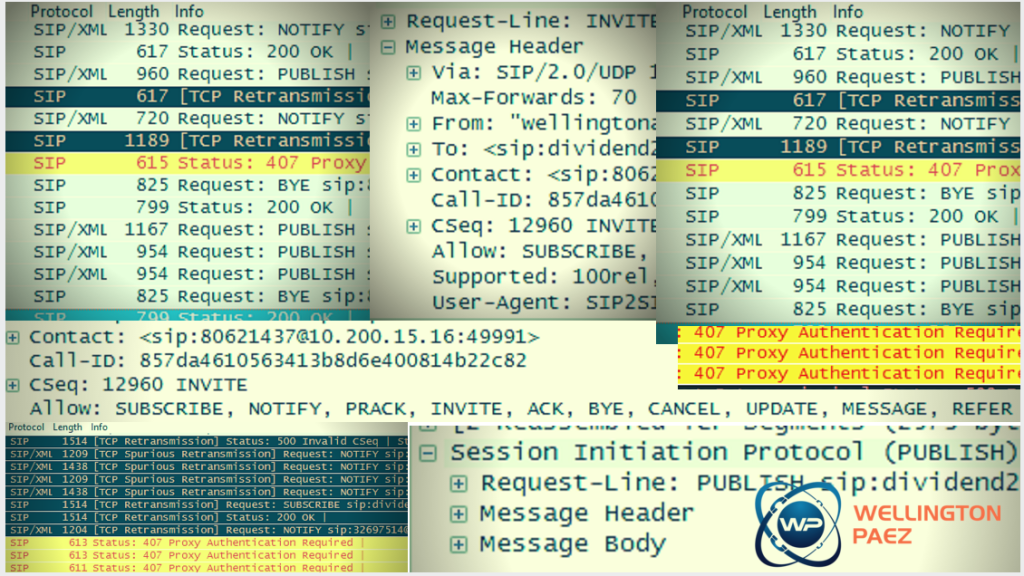
The list trace tool

The list trace tool – The tool that makes us supernatural In this post ‘The list trace tool – ‘The tool that makes us supernatural’ – you will learn how this diagnostic command or tool, can help us troubleshoot from the most common issues to the most complex problems. When finding common day to day enduser problems such as: ‘I can’t dial long distance’, ‘I can’t access voicemail’, or troubleshoot inbound call […]

The list trace tool Read More »
Seven characteristics of lousy technicians

Seven characteristics of lousy technicians In this blog post ‘Seven characteristics of lousy technicians’ I’m sharing how to better work with lousy technicians, and be able to make it for a successful install. Through out my experience installing Avaya Products I have met great technicians, and not so good ones. As anything in life, we unfortunately remember the bad ones and not so much the good ones.  Not so long

Seven characteristics of lousy technicians Read More »

Deploy Avaya CMM with ease

Deploy Avaya CMM with ease, step by step configuration. In this blog post ‘Deploy Avaya CMM with ease, step by step configuration’ I walk you through step by step how to configure the Avaya Aura Communications Manager Messaging. CMM or the legacy IA770 is an embedded voicemail solution with the old Audix voiccemail prompts, features and functionalities. Years ago when Avaya integrated the IA770 with CM as part of one

Deploy Avaya CMM with ease Read More »

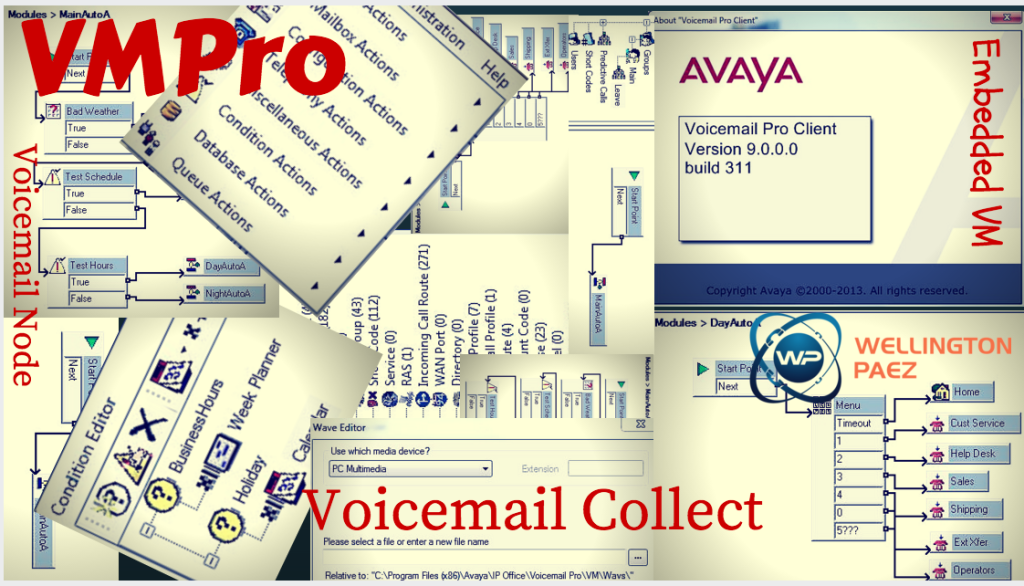
IP Office Auto Attendant-WellingtonPaez

IP Office Auto Attendant

IP Office Auto Attendant – 3 Simple steps to create and maintain them By the end of the ‘IP Office Auto Attendant – 3 Simple steps to create and maintain them’, you will have a clear understanding how Auto Attendant gets created, how they work, and how to fix the most common day-to-day issues, when it comes to maintain the IP Office Auto Attendants. As engineers, we get to help and

IP Office Auto Attendant Read More »

Scroll to Top